
Persistent storage
Your files, settings, installed apps and updates are saved on the USB drive itself.
A complete Linux desktop that lives on a USB drive and feels familiar if you come from Windows. Plug in, boot up, and take your files, settings and apps wherever you go.
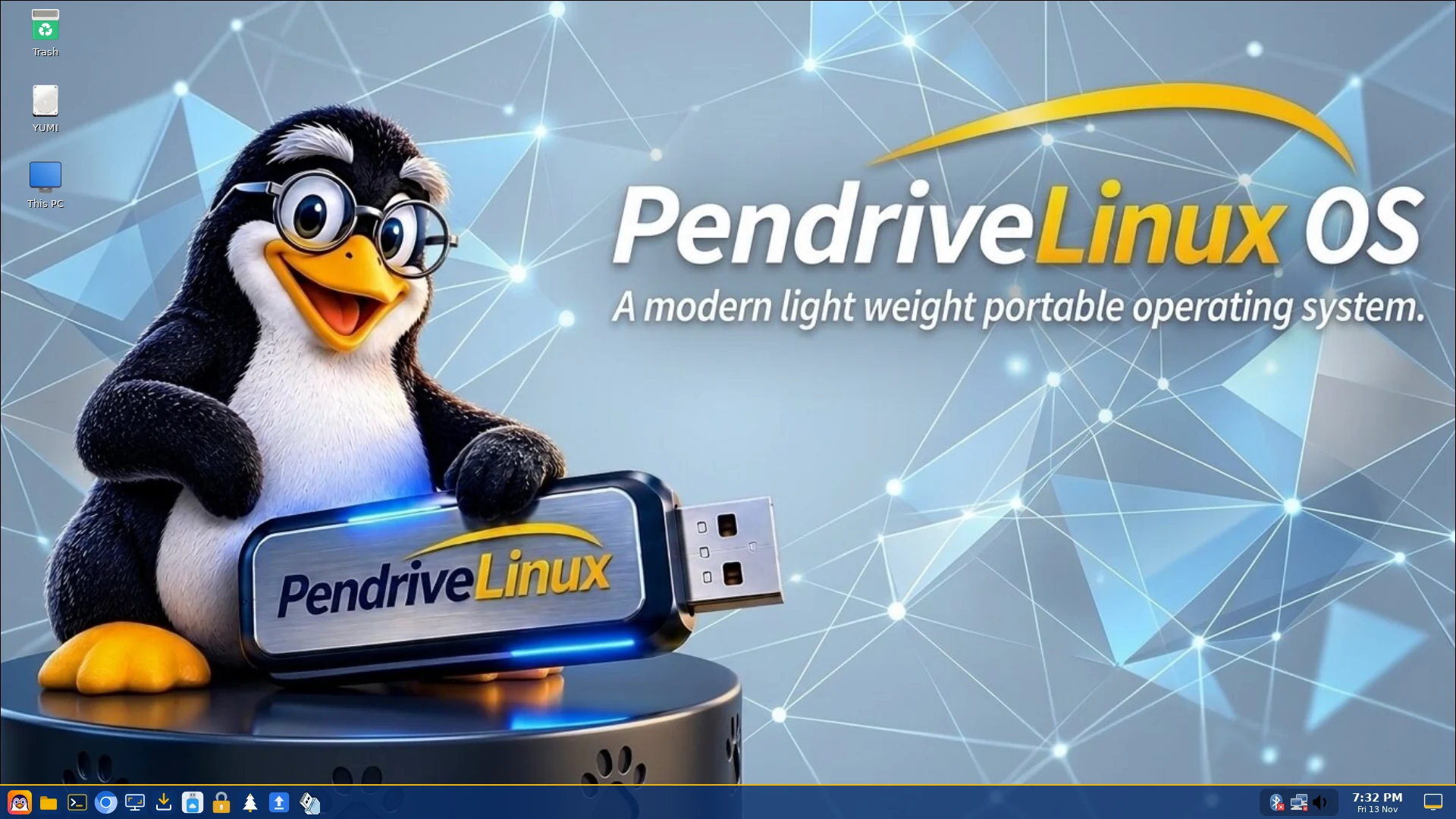
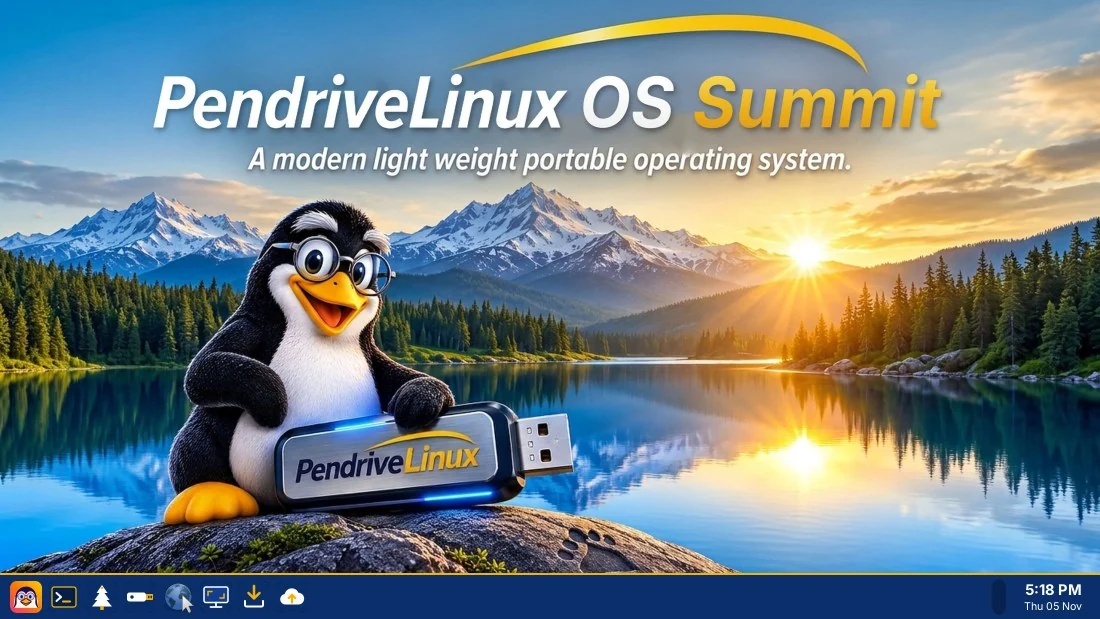
PendriveLinux OS is a complete Linux desktop that runs from a USB drive. It is installed on the drive itself, so your documents, preferences, installed apps and updates stay with it. Plug it into a compatible computer, start from USB, and pick up where you left off.
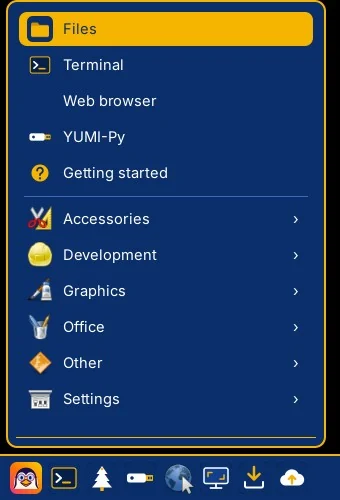
A taskbar, a start-style penguin menu, desktop icons and right-click menus, so you know where things are from the first minute. Press F1 at any time for a list of shortcuts.
Your files, settings, installed apps and updates are saved on the USB drive itself.
A web browser, file manager, terminal, media player and useful utilities are ready to use.
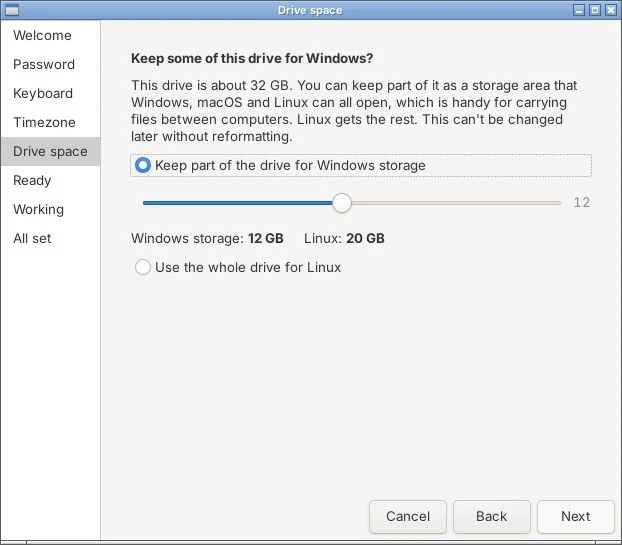
During setup you can keep part of the drive as storage that Windows, macOS and Linux can all open.
Install extra software from the graphical app installer, or use Debian's package tools.
It is built on Debian 13, so it keeps receiving upstream security and software updates.
Install it with Universal USB Installer and it joins the boot menu next to your other tools and distros.
Download the release image (a single .img.xz file) and check its checksum. You don't need to unpack it.
Use Universal USB Installer (recommended), or write the image with balenaEtcher or Rufus. This erases the drive you select, so check it carefully.
Restart, choose the USB drive in the boot menu, and follow the first-run setup.
The complete system image. Install it with Universal USB Installer (recommended), or write it to a USB drive with a raw image tool such as balenaEtcher or Rufus. Do not unpack it first.
Download the imageSource code and noticesA short video ad may play before your download starts.
The SHA-256 checksum is shown above and also published in SHA256SUMS. To check your download, on Linux or macOS use sha256sum pendrivelinux-os.img.xz; on Windows PowerShell use Get-FileHash .\pendrivelinux-os.img.xz
pendrive; the setup wizard asks you to choose a password.New to portable Linux? Here are the basics.
A portable Linux desktop that is installed on a USB drive. It has a writable system, so your files, settings and installed software are kept between sessions.
A USB drive of 8 GB or more (16 GB or more is better) and a computer that can start from USB. Both BIOS and UEFI computers work, and Secure Boot is supported.
Yes. The system runs from the drive, and changes made inside it stay there. Keep a backup of anything important, as with any USB drive.
You start the computer from the USB drive, and the computer's own disk is not touched unless you choose to work with it. Select the right boot device, and take care with disk tools inside any operating system.
If you choose it during first-run setup, part of the drive becomes storage that Windows, macOS and Linux can all open, which is handy for carrying files between computers. Linux gets the rest. This can't be changed later without reformatting.
Debian GNU/Linux 13 (“trixie”), which provides the underlying system and its software packages. PendriveLinux OS is an independent project.
Most hardware works out of the box. The image includes the non-free firmware that many Wi-Fi, graphics and other chips need, taken from Debian's non-free-firmware section, so you don't have to add it yourself. Its licences are in the notices published with each release.
It is free to download and use. The source code and licence notices for every release are published in the same folder as the download.
Yes. Universal USB Installer (UUI Py 1.0.0.3 or newer) can install PendriveLinux OS into its own partition on a UUI drive and add it to the boot menu, with an option to start it automatically. Check the release notes for known limitations.