BIOS USB Boot Settings

UEFI and BIOS USB boot settings, boot manager, boot menu, and system hardware options for Award, Phoenix, AMI firmware based motherboard BIOSes.

This category covers boot manager access, boot menu key functions, and essential BIOS/UEFI settings for popular firmware types like Phoenix, Award, and AMI. Learn how to configure your system to boot from USB flash drives, external hard disks, or live Linux distributions. Whether you’re creating a bootable installer or troubleshooting a system that won’t recognize your USB device, you’ll find solutions tailored to both legacy BIOS and modern UEFI systems. Ideal for users working with DIY builds, legacy hardware, or multiboot setups.

How to Open, Enter or Access BIOS Using Hotkeys
Enter BIOS

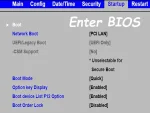
Learn how to enter BIOS or access the boot menu using keyboard hotkeys on any computer. Whether you need to boot from USB, change boot order, or adjust system settings, this guide shows the exact keys for every major manufacturer.
USB Boot Manager Phoenix Award BIOS

usb boot manager - award bios

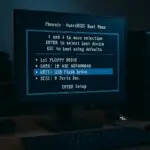
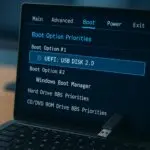
How to use the USB Boot Manager to Boot from USB on computer system with a Phoenix Award BIOS; Booting from a USB flash drive lets you run or install an operating system, perform system recovery, or launch a live Linux environment, all without using your internal hard drive. This guide walks you through accessing the Boot Menu on a Phoenix Award BIOS and setting a USB flash drive as the primary boot device.

BIOS or UEFI USB Booting | How to Boot from a USB Drive

bios usb booting tips

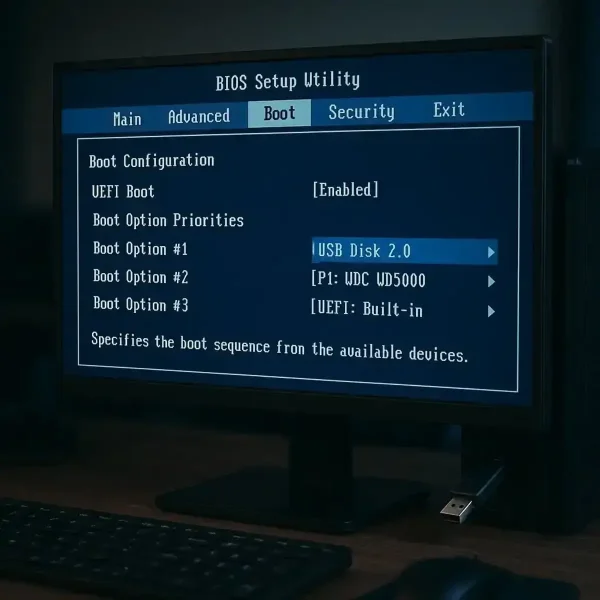
BIOS USB Booting and UEFI Boot Menu options: Learn how to boot from a USB drive on any PC using BIOS or UEFI. Whether you're trying to install Windows, run a Live Linux system, or launch recovery tools, this simple tutorial covers everything you need to get a bootable USB working.

Legacy BIOS USB Boot Settings and Boot Menu Options

USB BIOS Boot

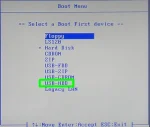
Legacy USB BIOS Boot Settings and Boot Menu Options: If you're trying to boot from a USB drive on an older computer, you may encounter options like USB-HDD, USB-ZIP, or USB-FDD. This post explains what those settings mean and how to use them to successfully boot from a USB drive on legacy BIOS systems.