Explore practical tutorials for creating bootable USB drives from Windows and Linux, along with guides covering selected macOS-compatible tools. Learn how to write ISO images, install or run live operating systems, build multiboot USBs, and prepare portable recovery media.
Choose a method that fits your setup, from graphical USB creation tools to command-line walkthroughs. To compare the available applications, visit our bootable USB creator software guide, which covers tools such as YUMI, Universal USB Installer, and Ventoy.
You'll also find guidance on USB filesystems, including FAT32, NTFS, and exFAT, persistent storage, and booting with legacy BIOS or UEFI. Check each tutorial for current operating-system and tool compatibility, especially when following older distribution-specific guides.
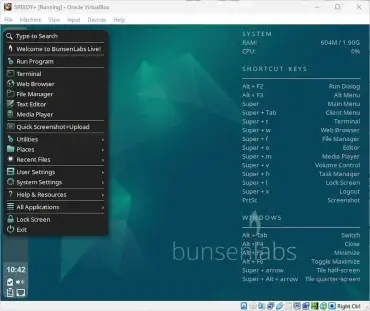
This tutorial explains how to create a modern BunsenLabs or CrunchBang++ bootable USB flash drive with optional persistence. CrunchBang Linux itself has been discontinued, but its lightweight Openbox based philosophy lives on through active community driven successors.
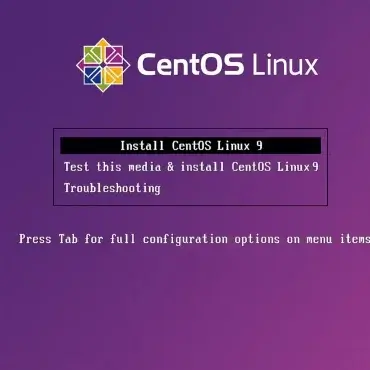
Learn how to create a USB CentOS Stream bootable flash drive from an ISO file on Windows, Linux, or macOS. This guide shows how to write the official installer ISO to a flash drive so you can boot, test, and optionally install CentOS Stream on a PC or server. A bootable USB is ideal for evaluating the platform, learning enterprise Linux workflows, or preparing for deployment.
Effortlessly Make an OpenSUSE Bootable USB Drive: This tutorial demonstrates multiple methods for creating a bootable OpenSUSE USB drive using YUMI, Etcher, or the DD command. Depending on your needs, you can boot a portable live environment from USB or perform a full installation to another USB stick or internal hard drive.
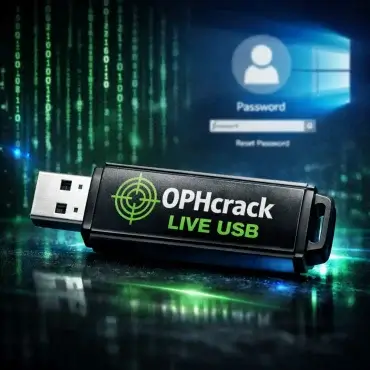
Ophcrack is a free and open source Windows password recovery tool that uses rainbow tables for efficient password cracking. It can be used to recover lost Windows login passwords from older versions of Windows by utilizing precomputed tables, making the process faster and more efficient. This guide explains how to create a bootable USB drive to recover forgotten passwords without installing the software on the target machine.
Making a Damn Small Linux Live USB (DSL). This is a revisit of my Windows DSL bootable USB installation tutorial: "Putting Damn Small Linux on a USB". Based on the 2.4 kernel, this tiny distribution is great to use for older and slower computers as well. It will fit and run on portable devices or thumb drives as small as 64 MB.
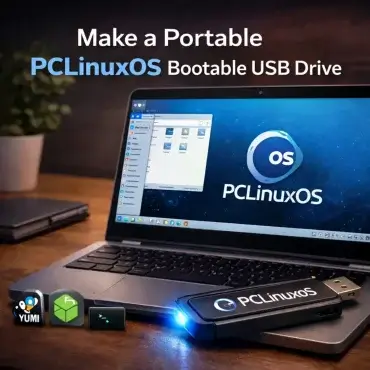
How to Create a PCLinuxOS Bootable USB Drive: PCLinuxOS is a clean, compact, and visually polished Live Linux distribution developed by Texstar. Originally derived from Mandriva Linux, it has since evolved into a fully independent operating system known for its rolling release model, excellent hardware compatibility, and user friendly desktop experience. This Live Linux OS is an excellent choice for creating a portable operating system that can run directly from a USB flash drive on almost any compatible computer.
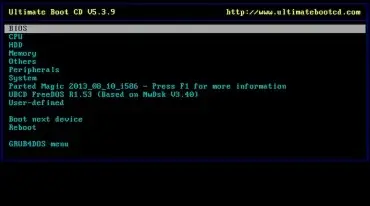
Easily create a bootable USB drive for Ultimate Boot CD (UBCD) using tools like YUMI, dd for Windows, or the dd command on Linux or macOS. UBCD is a widely respected diagnostics tool that consolidates over 100 essential system utilities into a single ISO image.
Creating a USB Bootable RUNT Linux; This walk through illustrates how to install, boot, and run RUNT Linux from a USB flash drive. RUNT is a super super tiny and very basic Linux distro. It is recommended for intermediate to advanced users who prefer to do work without using a graphical interface like X. Beware that by default it does not feature a GUI, it uses a text only based interface.